


Your servers, your reputation
Connect up to 5 SMTP servers and send on your own terms.
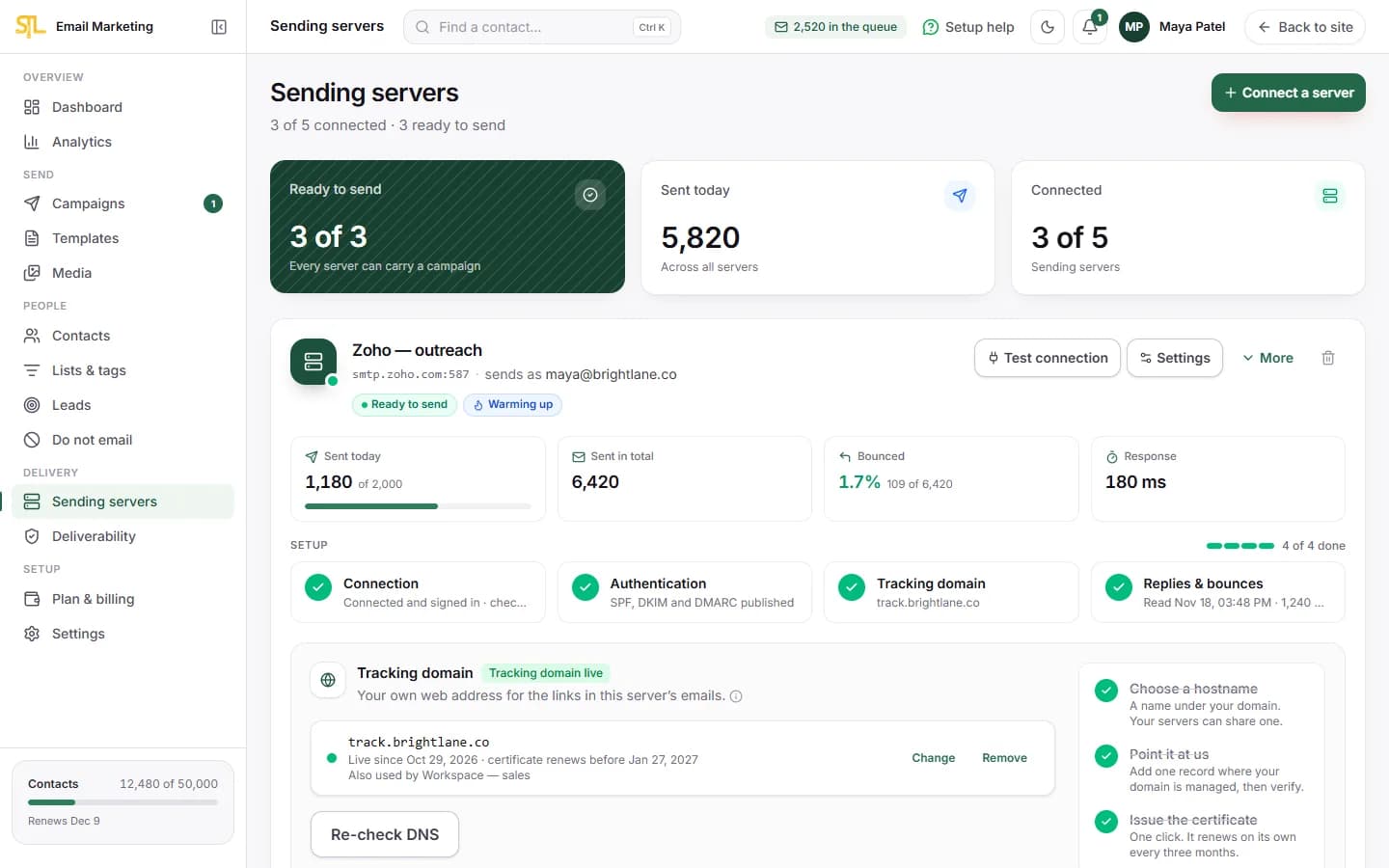
- Zoho, Amazon SES, Google Workspace, your host or your own machine
- Rotation and failover when one refuses
- Limits per server by minute, hour and day
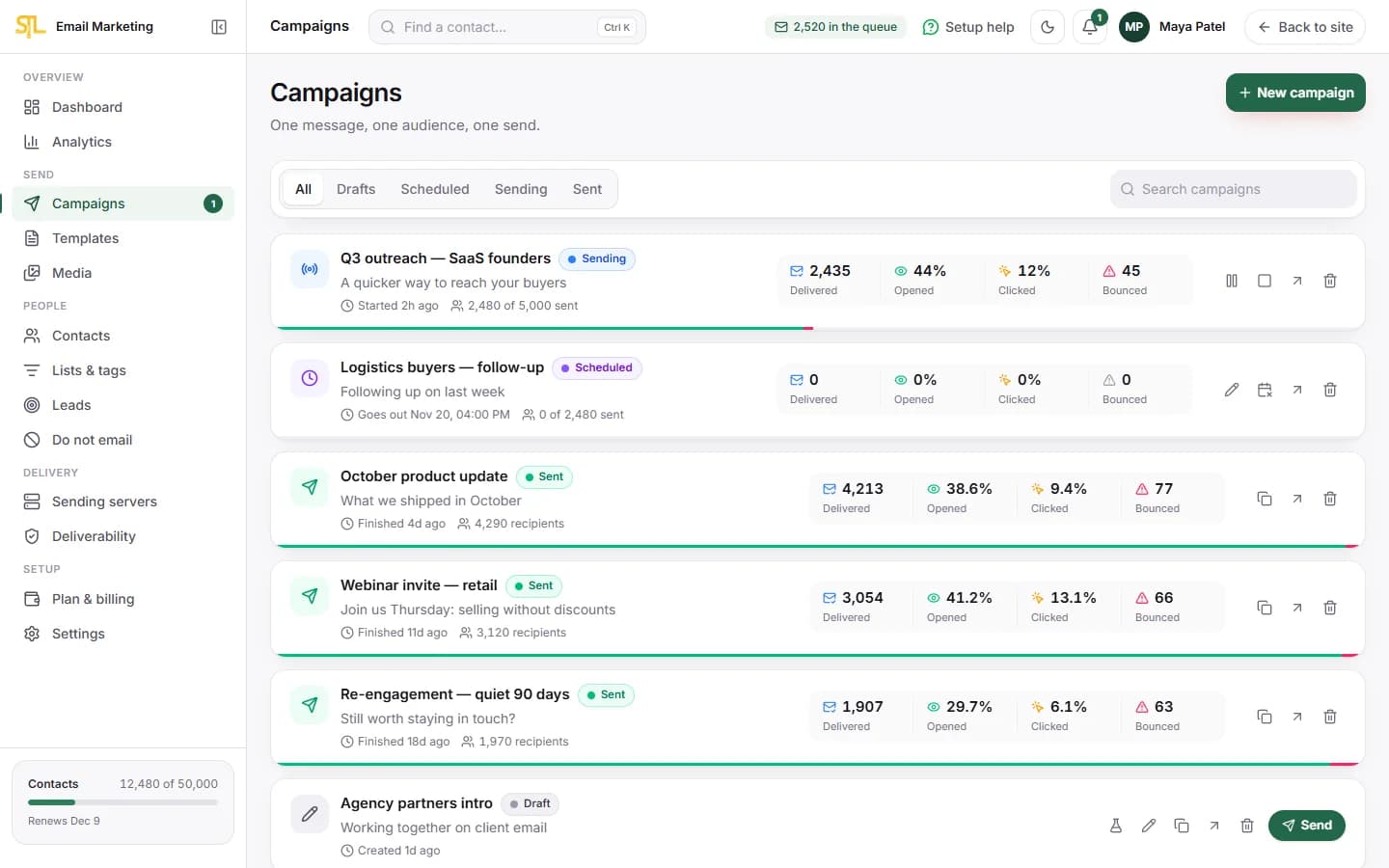
Build the list, warm the sender up, personalise the message and track every recipient — accepted, bounced, opened, clicked, replied. No shared IP pool and no price per email.
7 days free — 50,000 contacts and 1 GB of media, no card needed. Then ₹500 per server a month. See what that includes
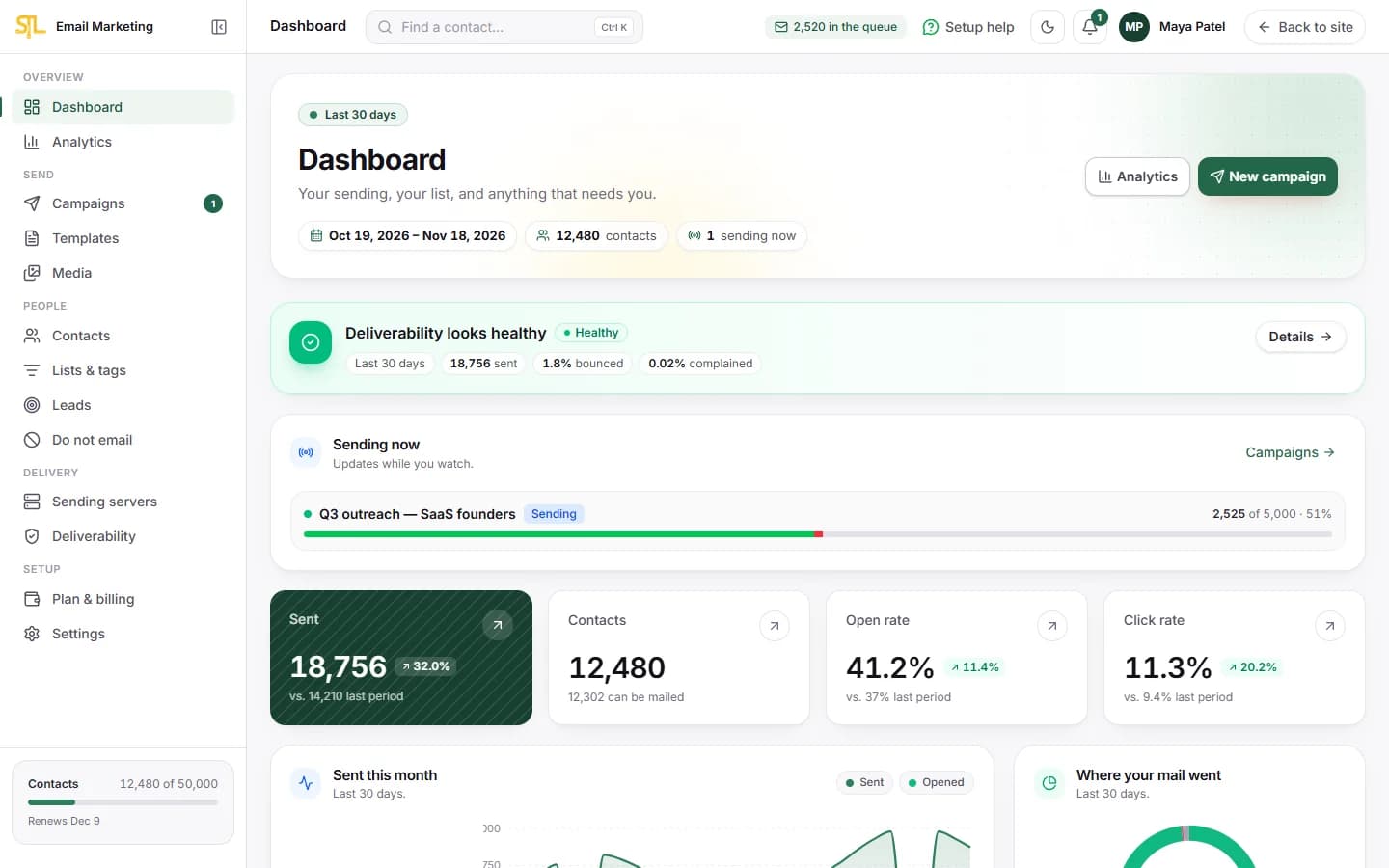
From the list and the servers to the message, the schedule and the replies — all in one place.
Connect up to 5 SMTP servers and send on your own terms.
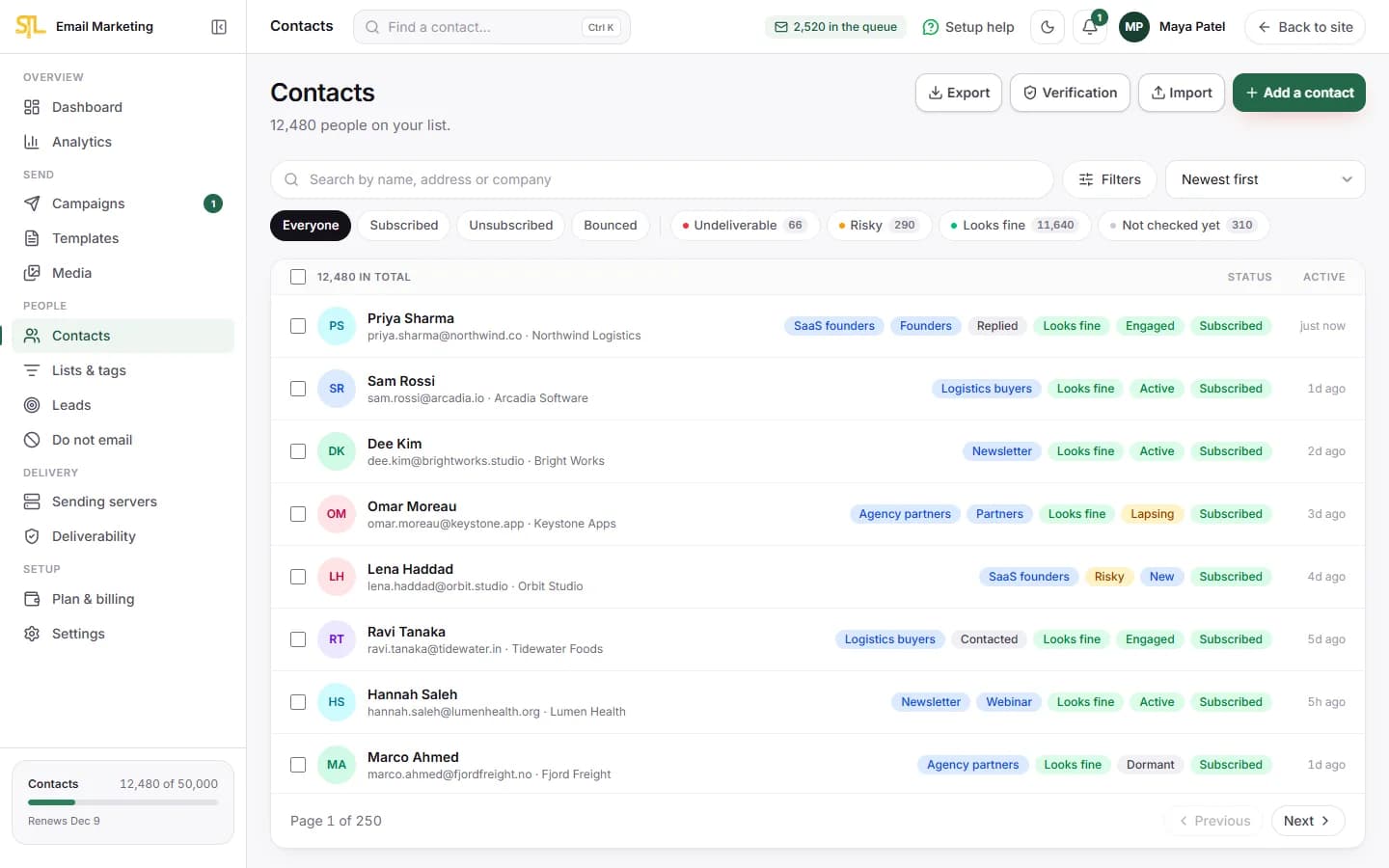
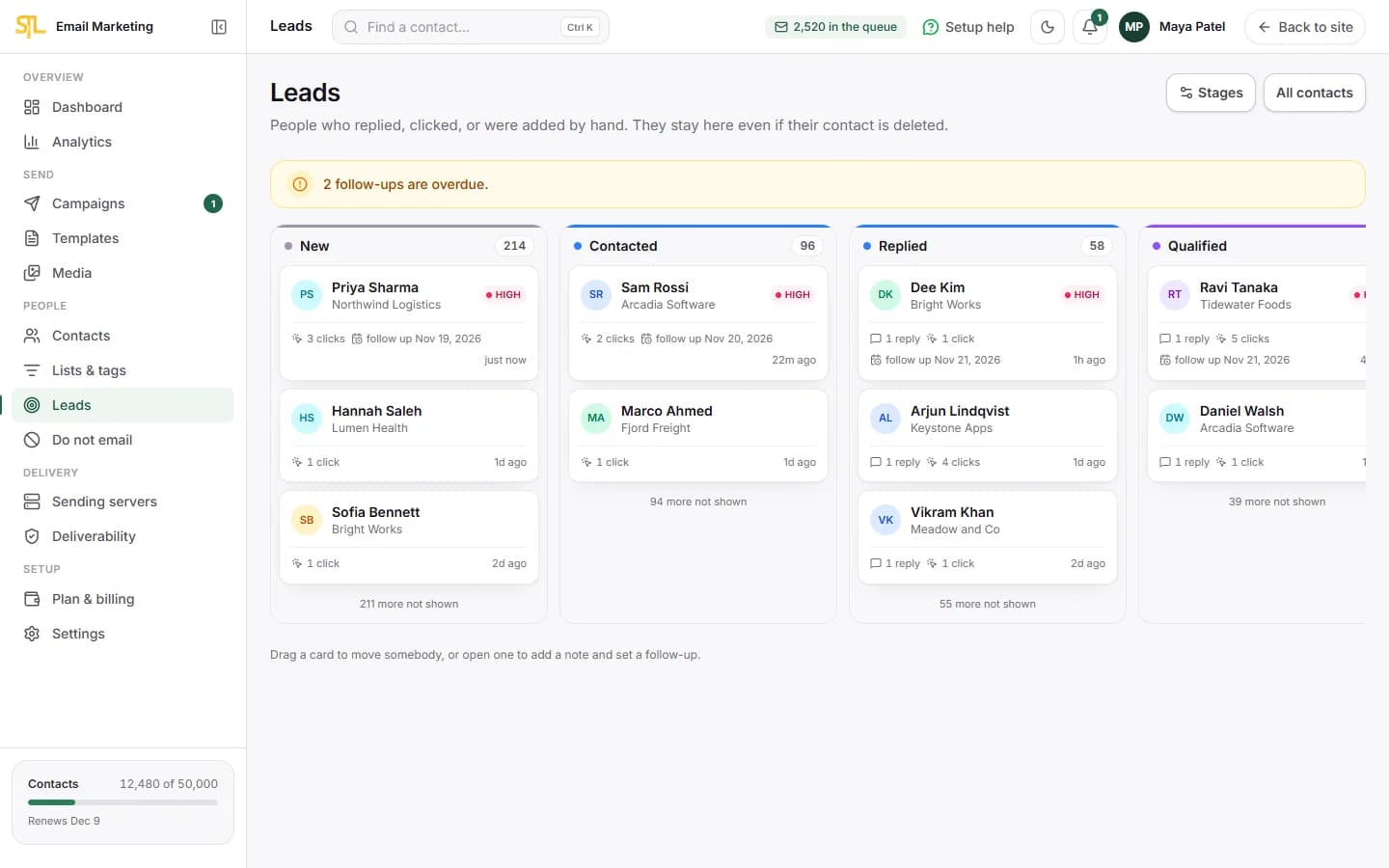
Import, segment, and work the people who answer.
Personalised, paced, and scheduled to land in working hours.
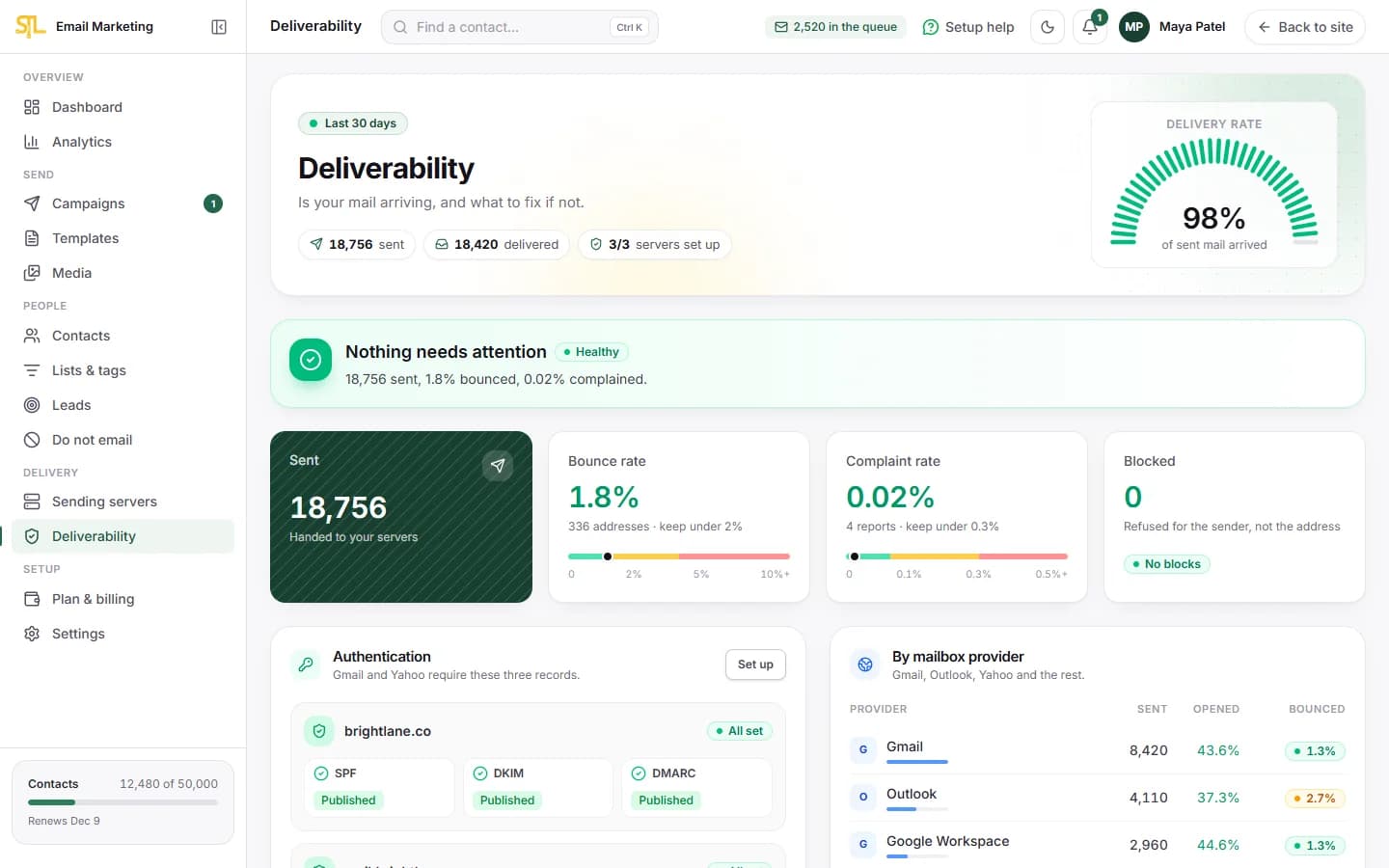
Warm-up, authentication and reputation, in words you can act on.
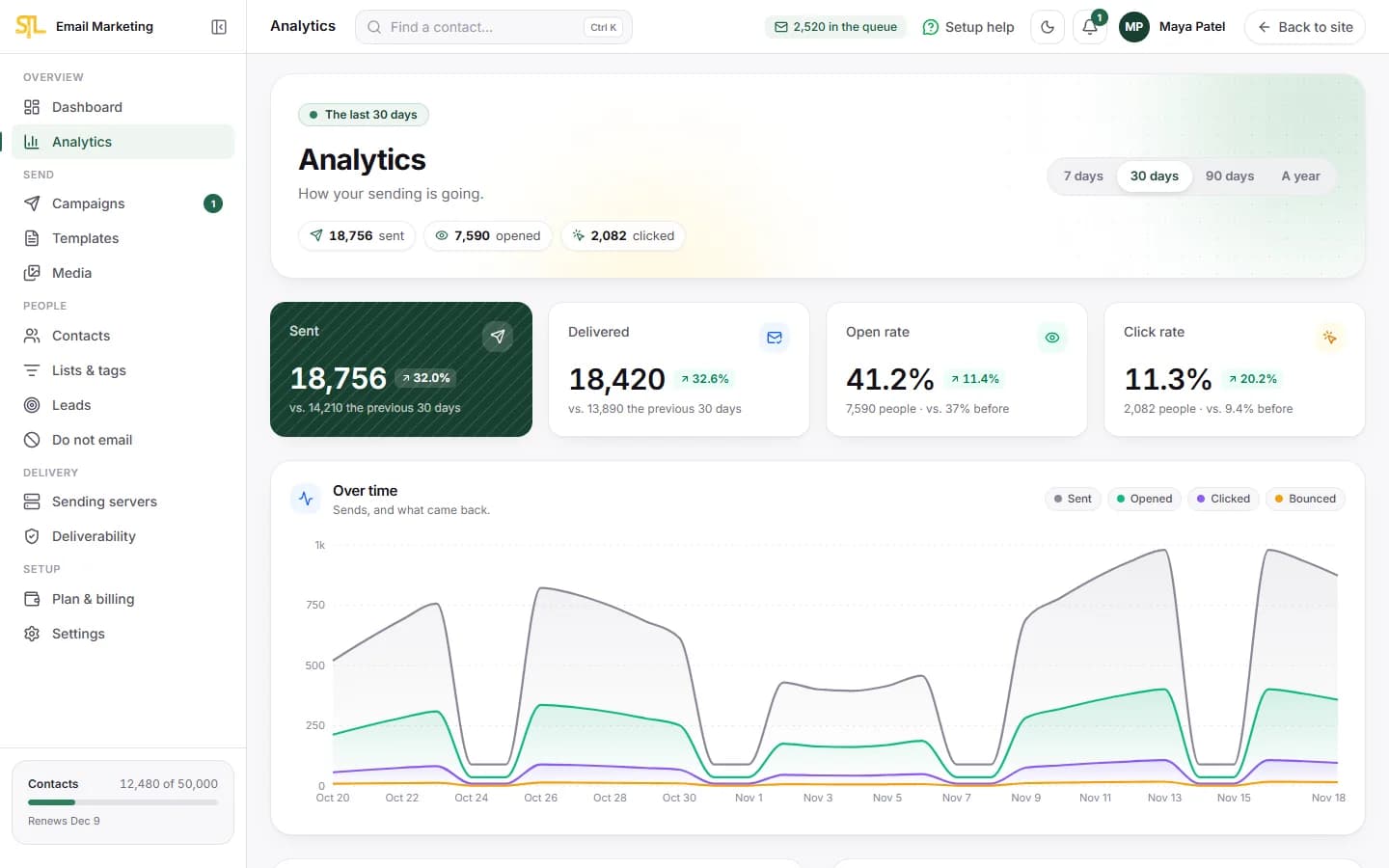
The outcome the whole exercise is for.
The trial carries the full 50,000 contacts.
6 steps, in the order you would do them.
Import a CSV or spreadsheet and map the columns. Duplicates merge, and anyone on your do-not-email list stays unsubscribed.
Up to five servers — Zoho, Amazon SES, Google Workspace, your host or your own machine. We check SPF, DKIM and DMARC for you.
A new sender starts small and climbs one step a day. The ramp holds on its own if bounces or complaints rise.
Build from blocks or paste your own HTML. Merge tags take fallbacks, and the preview updates as you type.
See exactly who an audience catches before it goes out. Send now, schedule it, or hold it to working hours.
Every recipient tracked: accepted, bounced, opened, clicked, replied. Hard bounces are suppressed automatically.
The things you only notice when they are missing.
See who a campaign would reach, and what each rule removed, before it goes out.
A pace per hour, honoured per server, so a provider never cuts you off.
Send now, schedule for a date, or hold to a sending window.
Refusals and bounce reports read through one classifier, so they never disagree.
Survives a delete and re-import, so a fresh spreadsheet cannot undo an opt-out.
As Gmail and Yahoo require of bulk senders. Always included.
Per recipient, with privacy-proxy opens marked rather than quietly counted.
Conditions across engagement, campaign history and your own custom fields.
SMTP passwords and DKIM keys are encrypted and never leave the server.
Images checked, de-duplicated and stored for every campaign.
Contacts, the do-not-email list and campaign recipients out as CSV.
Delivery, engagement and reply rates by campaign, provider and server.
A new sender starts small, climbs only on a completed day, and stops climbing by itself when the numbers say it should.
Anyone who sends email for a living and already has a mail provider.
Warm-up, sending windows and reply tracking, so a new sender builds up slowly and you see who answered.
Everyone who clicked or replied lands on a lead board, from New to Won, instead of being lost in the list.
Send to your whole list through your own servers, paced per server, with no price per email.
Already on Zoho, Amazon SES or Google Workspace? Connect up to 5 servers and rotate between them.
One price per connected server. Not per email, and not per contact.
or $7 — the same plan, paid in dollars through PayPal
This is the SoftTechLab platform fee. Your SMTP provider bills you separately for the mail they carry — we add no markup.
No, and that is the point. You connect your own SMTP — Zoho, Amazon SES, Google Workspace, your host, your own machine — so your sending reputation is yours alone rather than pooled with every other customer on a shared IP. SoftTechLab charges a platform fee per connected server; your provider bills you separately for the mail they carry, at their own rates, with no markup from us.
Yes, and it is built for it. Warm-up plans, per-server sending limits, throttling, sending windows so mail goes out in working hours, reply tracking, and a suppression list that survives a re-import. What it will not do is help you bypass a provider limit or hide who you are: it honours the rate limits you set, always includes a working unsubscribe, and supports one-click unsubscribe as Gmail and Yahoo require of bulk senders.
As many as your own SMTP provider allows. We do not charge per email and we do not cap it — we enforce whatever ceiling you set per server, per minute, per hour and per day, so a provider never cuts you off for exceeding theirs. The plan covers 50,000 contacts and up to five connected servers.
A refusal during the send is recorded immediately with the server’s own words. A report that arrives by mail afterwards is read through the same classifier, so the two can never disagree. A hard bounce suppresses the address automatically; a block does not, because that is a fact about the sender rather than the recipient. Unsubscribes write to the do-not-email list as well as the contact, so deleting somebody and importing them again cannot start mailing them.
Yes. Forward your reply mailbox to the reply endpoint and anything quoting a message you sent is recorded against that contact — on the campaign report, on their timeline, and in their lead score, which weights a reply higher than anything else. You can then build a follow-up audience of everyone who was sent a campaign and did not reply.
A 7-day free trial with the full 50,000 contacts and 1 GB of media, no card needed and nothing that starts charging on its own when it ends. After that it is ₹500 per connected SMTP server per month — not per email and not per contact — with 50,000 contacts and 5 GB of media on the paid plan.
There is no A/B testing: a subject-line test needs an audience large enough for the result to mean something, and most lists are not. There are no automated drip sequences yet — campaigns and segments, sent when you decide. And open rates are treated as an upper bound, because Apple Mail fetches the tracking pixel when a message arrives whether or not anybody reads it.
7 days, the full 50,000 contacts, and up to 5 of your own servers. No card, and nothing charges when it ends.